Why Your ERP Should Be a Data Layer, Not a Workflow Engine
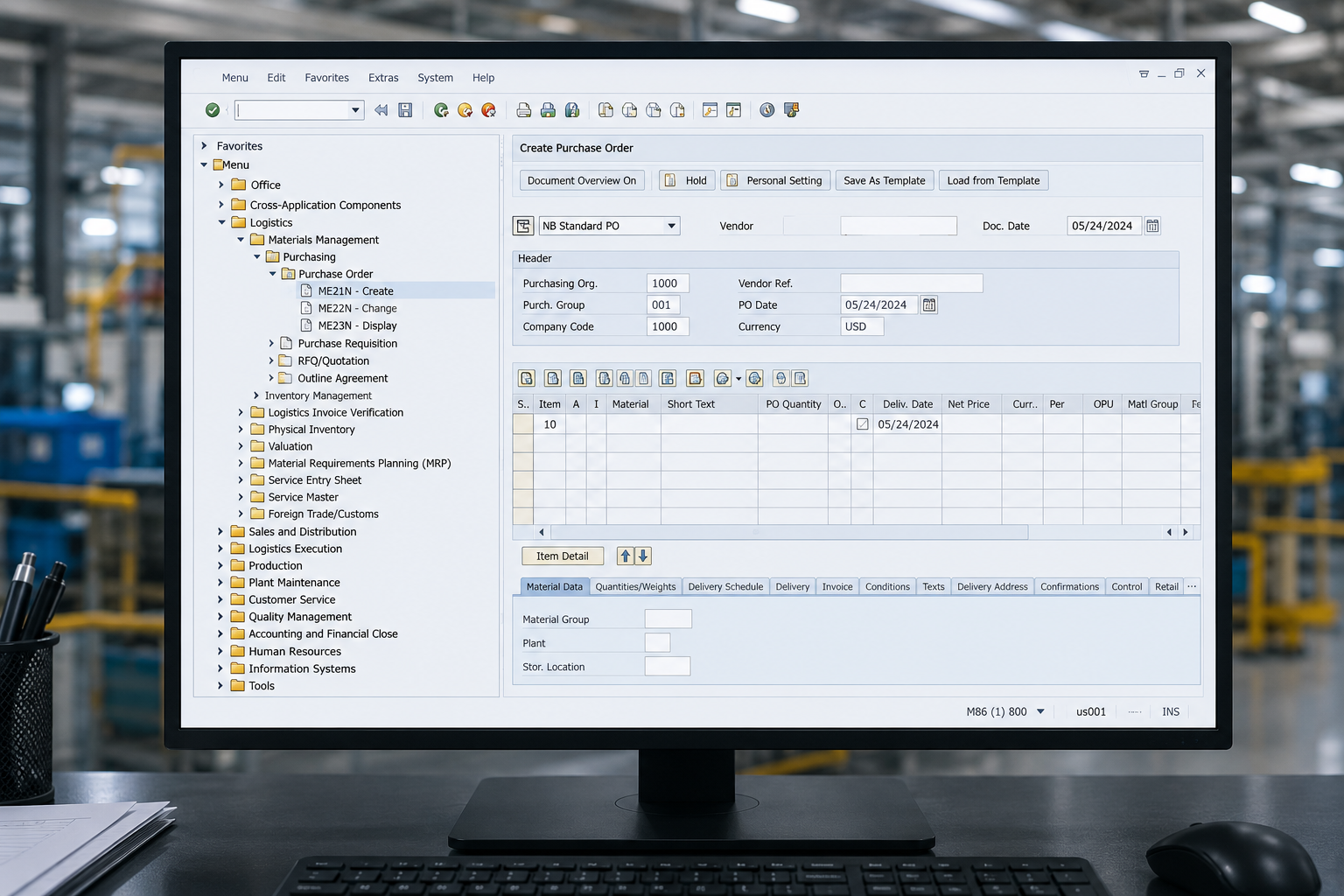
Why Your ERP Should Be a Data Layer — Not a Workflow Engine
Your procurement workflows already live outside your ERP. The Request for Quote (RFQ) goes out by email. The approval happens in Slack. The Certificate of Conformance (CoC) sits in a shared drive. Your Enterprise Resource Planning (ERP) system holds the record — but it does not run the work. The sooner you treat your ERP as a structured data layer instead of a workflow engine, the sooner your team stops paying the workflow tax.
The Monolith Problem: Why ERPs Stall at Workflow
ERPs were built to keep records. Purchase Orders (POs), Bills of Material (BOMs), vendor master files — that is their job, and they do it well. The trouble starts when you ask them to also run your day-to-day execution.
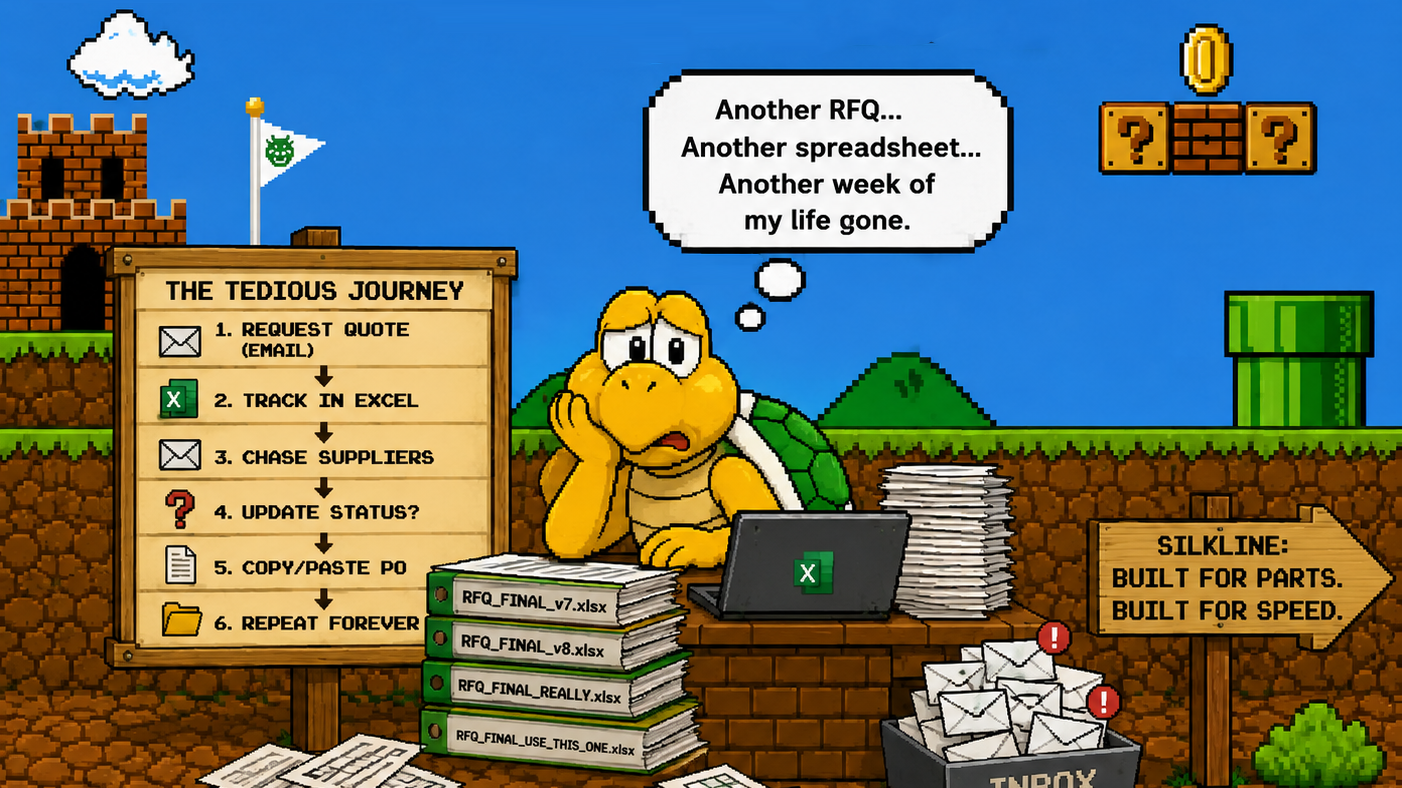
Most teams already know this instinctively. The ERP says "PO issued." But did the supplier confirm? Is the part on track? Nobody knows without digging through email.
The numbers back this up. Gartner reports that roughly 70% of ERP initiatives fail to meet their stated goals. The global ERP market hit $59.42 billion and is growing at 7.1% per year — yet the gap between what ERPs promise and what operators actually need keeps widening.
That gap is the workflow tax: the time your team spends re-keying data, chasing confirmations, and reconciling spreadsheets because the ERP was never designed for real-time, cross-functional execution.
If you are spending 20% of your week chasing POs or deciphering PDF quotes, that is direct cost. Not overhead. Not "the way it's always been." Direct cost.
The ERP Data Layer Model: ERP as the Foundation, Not the Ceiling
The fix is not ripping out your ERP. It is repositioning it.
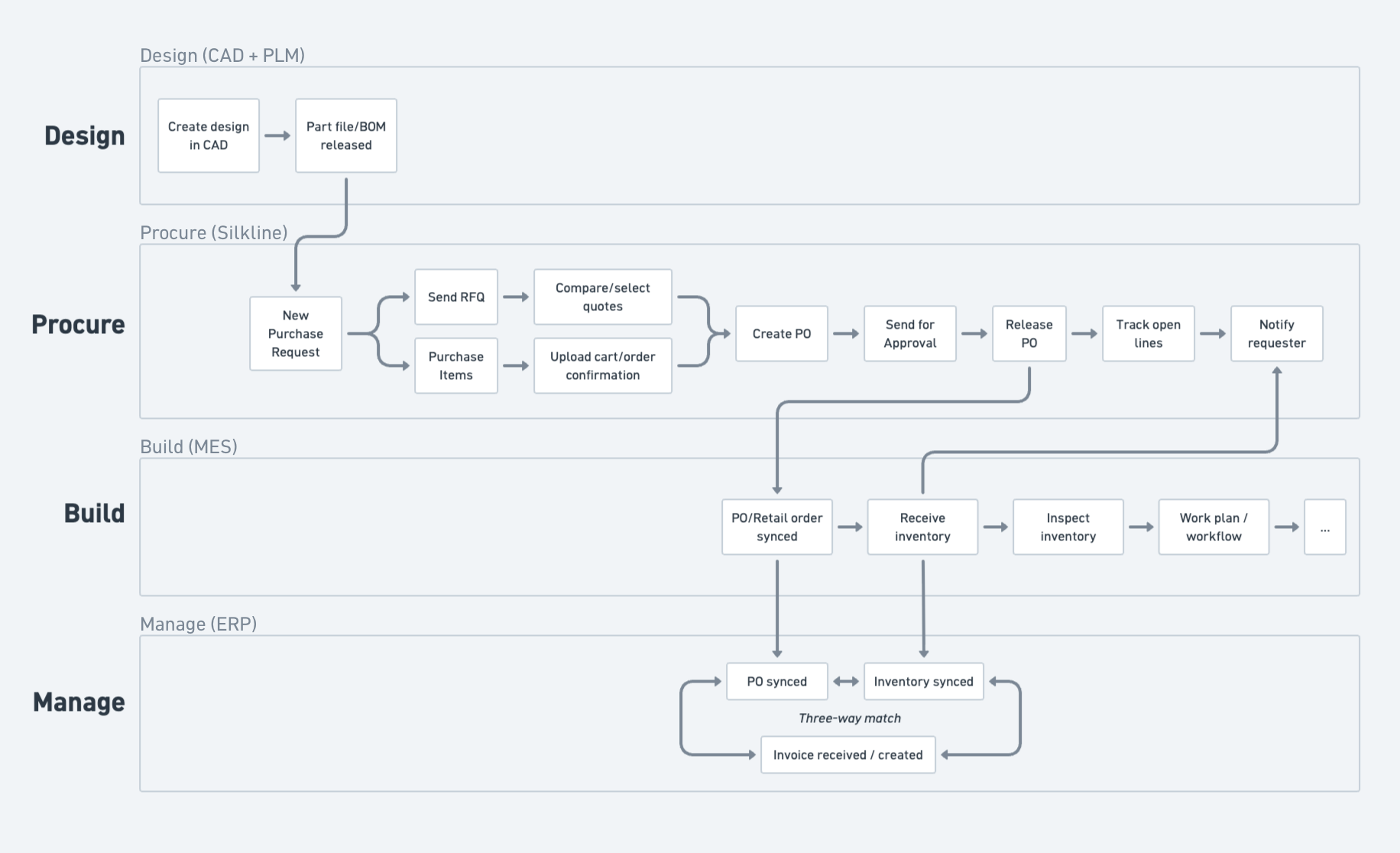
In the data layer model, your ERP retains what it is good at: master data, financial records, compliance artifacts, and audit trails. Specialized workflow applications sit on top, reading from and writing back to the ERP through APIs.
This is what analysts call the "composable enterprise." Your ERP becomes the single source of truth for structured data. Purpose-built tools handle the messy, fast-moving execution layer — RFQ routing, supplier follow-ups, approval workflows, document extraction.
The architecture is straightforward:
- ERP holds: Vendor master, item master, PO records, BOM data, financial transactions
- Workflow apps handle: Email-based supplier communication, quote comparison, approval routing, milestone tracking, exception alerts
An estimated 60% of new ERP deployments will be cloud-native by 2026, making API-first integration easier than it has ever been. The technical barrier is dropping. The question is whether your operating model keeps up.
Old Way vs. New Way
The pattern is clear. Keep the ERP. Move the communication and execution to a purpose-built layer.
Where It Is Working: Supply Chain and Procurement Lead the Way
Procurement and supply chain teams are the first to feel the pain of ERP-as-workflow — and the first to fix it.
Here is what the shift looks like in practice:
Play 1: Procurement orchestration on top of ERP. Instead of forcing buyers to live inside the ERP for every PO action, a workflow layer ingests the PO data, runs automated supplier check-ins by email, and writes confirmations back. The supplier never logs into anything. The buyer never re-keys data.
Play 2: AI-powered spend intelligence across ERPs. Many manufacturers run multiple ERPs — one per division, one inherited from an acquisition. A data layer approach lets you normalize spend data across all of them without a painful consolidation project.
Play 3: Email-native supplier communication. The most successful procurement teams use tools that ingest the email and PDF directly so the supplier does not have to change their workflow. No portal. No training. The supplier replies to an email; the system captures the data.
The results are measurable. Teams using this model typically see approval cycles drop from 3 days to under 2 hours. When you remove the login barrier and route approvals where people already work, decisions happen faster.
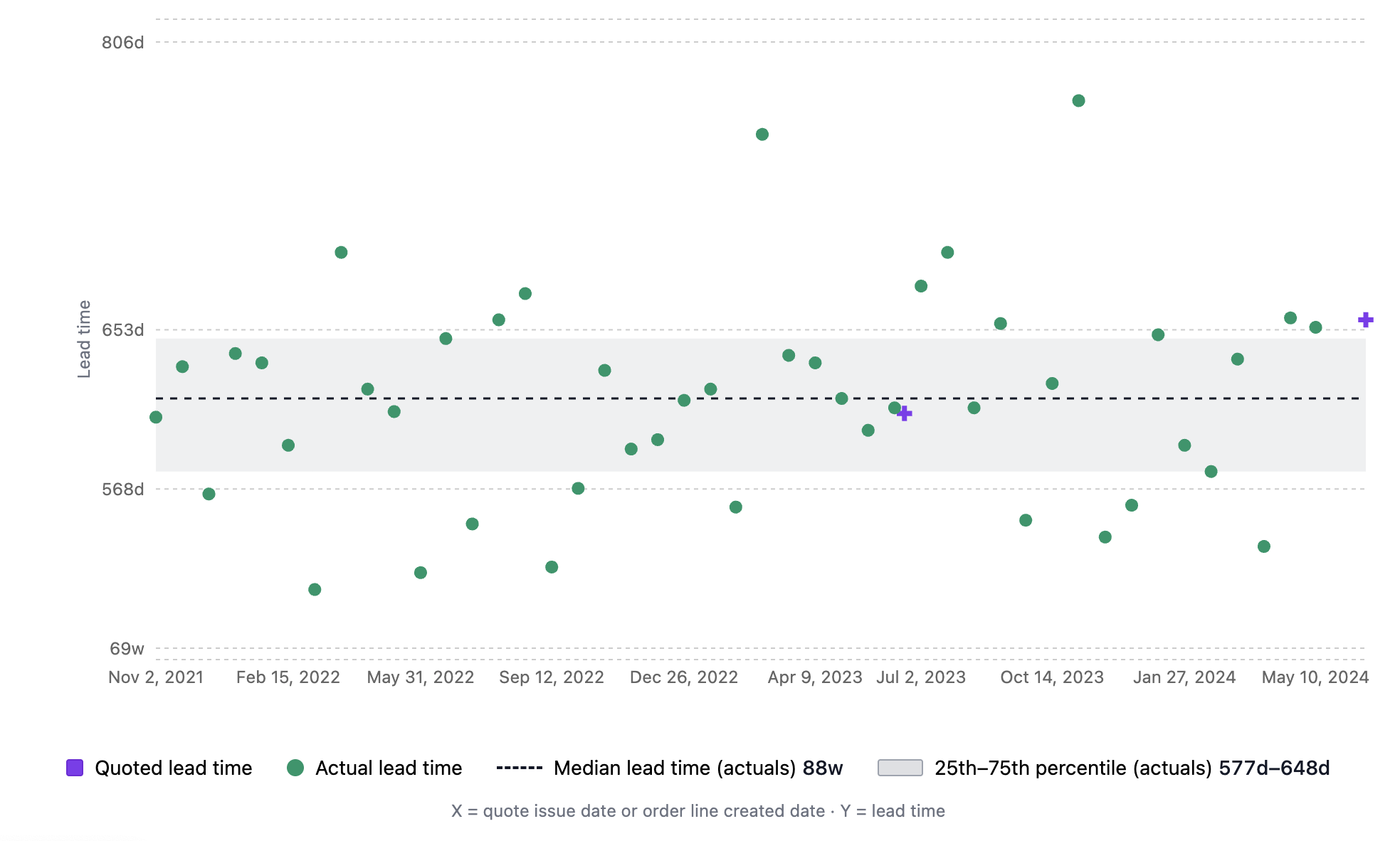
Gartner projects that 40% of enterprise applications will embed AI agents by 2026. In procurement, that means automated follow-ups, intelligent exception routing, and predictive lead time alerts — all running on top of your existing ERP data.
You can do much of this manually. Build the email templates. Set calendar reminders to chase confirmations. Maintain the tracker spreadsheet. It works — until you have 50 POs out and 20 are unconfirmed. Then you have a wish list, not a supply chain. Platforms like Silkline automate the chase and the data capture so your team focuses on exceptions, not status updates.
Beyond Procurement: The Pattern Repeats
The ERP-as-data-layer model is not limited to supply chain. The same logic applies across the enterprise:
- Finance: Teams connecting cloud-based close management tools to their ERP typically see 30% faster month-end close by automating reconciliation and approval workflows outside the general ledger.
- Manufacturing: Manufacturing Execution Systems (MES) and Manufacturing Operations Management (MOM) platforms pull work orders and BOMs from the ERP, then handle shop floor scheduling, quality checks, and production tracking in real time.
- HR and workforce: Onboarding, time tracking, and compliance workflows run in specialized tools. The ERP stores the employee record.
- Sales and CRM: Quote-to-cash workflows start in the CRM, push won deals into the ERP for invoicing, and pull inventory availability from the ERP for delivery commitments.
The common thread: the ERP is the authoritative record. The workflow happens elsewhere.
What to Evaluate: A Starter Checklist
You do not need a six-month project to start. Here are five steps you can take this week:
- Audit your "swivel chair" processes. List every workflow where someone copies data from the ERP into another tool (or vice versa). That is your workflow tax. Quantify it in minutes per week.
- Identify your top 3 bottleneck workflows. For most supply chain teams, it is PO confirmation tracking, RFQ distribution, and approval routing. Pick the one that costs the most time.
- Check your ERP's API readiness. Does your ERP expose the endpoints you need? Most modern ERPs (and many legacy ones with middleware) support REST or OData APIs. If yours does not, that is a data point for your upgrade conversation.
- Map the "supplier friction" points. Any step that requires a supplier to log into a portal, learn a new system, or change their process is a friction point. List them. Then ask: can this happen over email instead?
- Run a 30-day pilot on one workflow. Pick the bottleneck from step two. Track the before metrics (cycle time, touches, error rate). Layer in a workflow tool — or even a structured email template — and measure the after.
Start small. Prove the value. Scale from there.
The Bottom Line
Your ERP is not going anywhere — nor should it. It holds the data that runs your business. But asking it to also run every workflow is like asking your accounting system to manage your inbox. It was never built for that.
The manufacturers pulling ahead are the ones treating the ERP as a foundation, not a ceiling. They keep the record system intact and layer fast, flexible workflow tools on top. The result: fewer manual touches, faster approvals, better supplier visibility, and teams that spend time on decisions instead of data entry.
If you want to see what this looks like for procurement and supply chain — automated supplier check-ins, email-native RFQs, real-time PO tracking, all flowing back to your ERP without forcing vendors to change how they work — we can show you.
About Silkline
Silkline is the supply chain orchestration platform that advanced manufacturing companies use to collaborate with suppliers; track requests, RFQs, quotes, and orders; and monitor team and vendor performance. Our technology sets the standard for how OEMs engage their supply base and is the connective layer for hard tech supply chains. Hundreds of advanced manufacturers use Silkline to operate more efficiently and speed up time to revenue. The company is headquartered in Chicago, IL. For additional information, visit https://www.silkline.ai.
© 2026 Silkline, Inc. All rights reserved. Silkline and the Silkline logo are trademarks of Silkline, Inc. All other brand and product names are trademarks or registered trademarks of their respective holders.